OpenAI held DevDay in San Francisco on Tuesday. One keynote, more than twenty announcements, and a few live demos that didn’t quite go to plan.
If you missed it, here’s everything you need to know, boiled down to twelve things. Each one comes with a picture, so you can see what it actually looks like, and a line on who can get it. I’ve put them in the order I’d want to know them if I made things for a living.
The short version: OpenAI wants ChatGPT to be the place where work happens. Dots are the workers. Pages, Space and slides are the office. Cheaper models pay the rent.
If you have an hour, the full keynote is on YouTube and OpenAI’s own recap lists every announcement. If you don’t, here are the twelve at a glance.
- dots, an always-on agent with its own computer
- Space and Pages, a shared workspace for people and agents
- Collaborative slides, coming in the next few weeks
- ChatGPT in Slack, Teams and your meetings
- Apps that live inside ChatGPT
- GPT-6.1 Sol, nearly the top model at a fifth of the price
- A $500 Pro plan, and a smaller $200 one
- Sign in with ChatGPT
- The Decisions API
- Codex, from anywhere
- The enterprise bits
- What they didn’t announce
1. dots, an agent that never clocks off
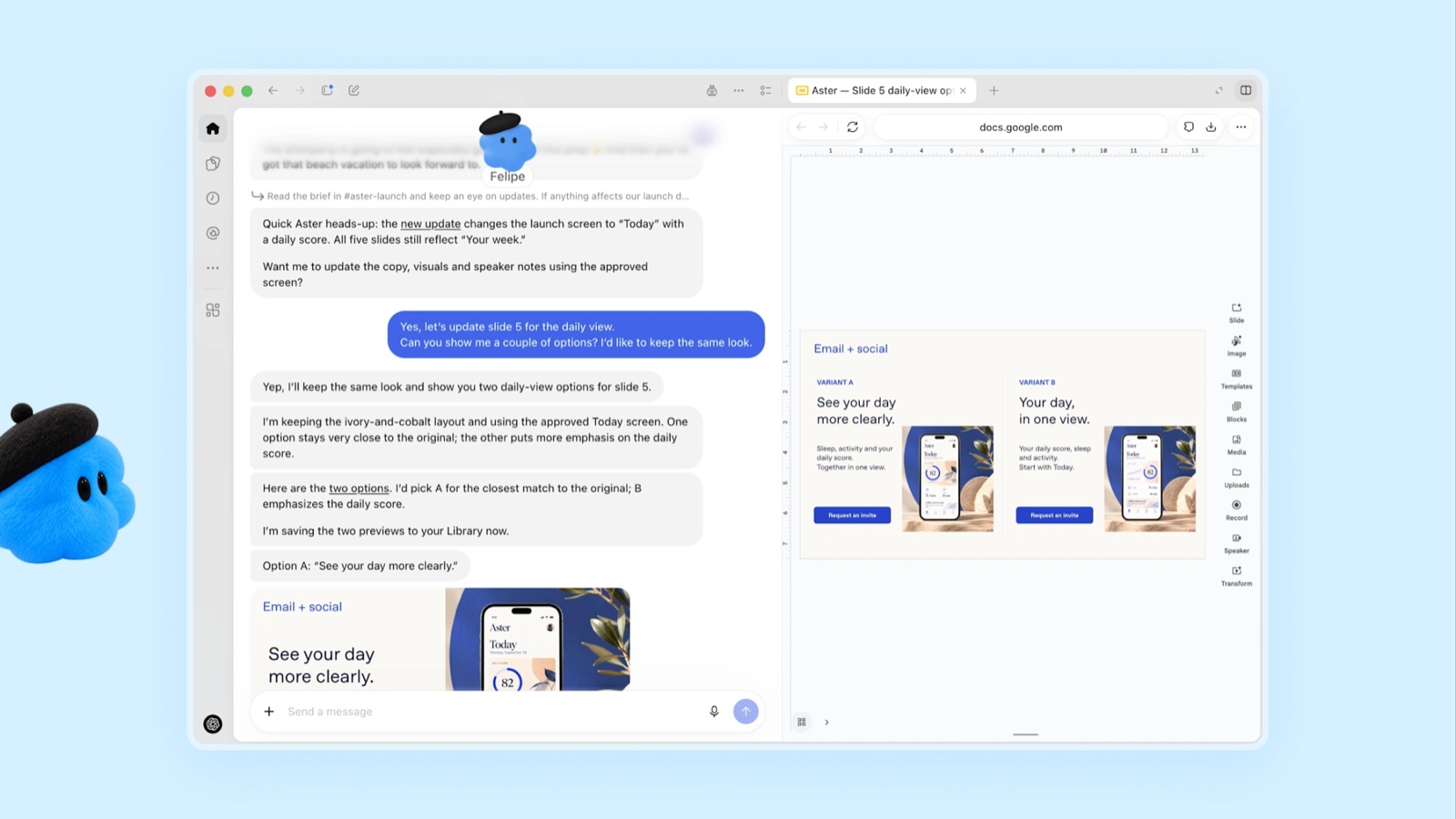
This is the headline. A dot is an always-on agent that lives inside ChatGPT. Each one runs on GPT-6 Astra, OpenAI’s top model, and has its own computer in the cloud, so it keeps working when your laptop is shut. It can reach more than four thousand apps through ChatGPT’s plugins.
You give it a name and a face, and you talk to it like a colleague, in ChatGPT, Slack or Teams. You can also call it. When you’re not around, it does what OpenAI calls proactive research: it reads through your connected apps, without changing anything, and brings you things before you ask.
Who gets it: Pro, from $100 a month, and Business Premium, rolling out gradually. Pro users in the UK and Europe aren’t in the first wave. Enterprise gets a beta that your admin has to switch on. You set your dot up on a desktop, and it can’t call you yet.
2. Space and Pages, where people and agents work together
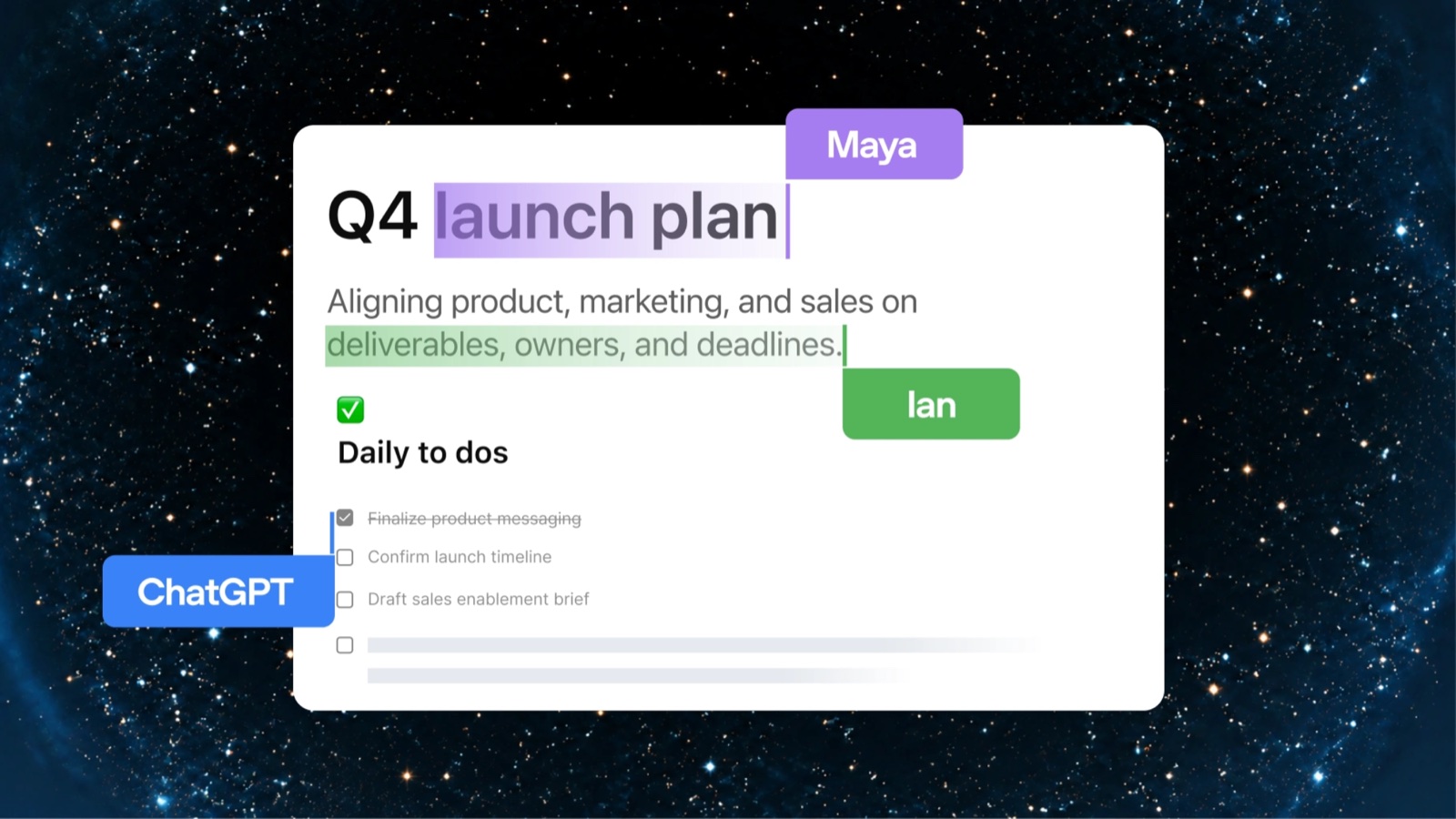
If you run a team, this is the bit to watch. ChatGPT Space is a home for your team inside ChatGPT, where teammates, ChatGPT and your dot all build on the same shared knowledge. Pages are a new kind of document made for people and agents to work on together. Anything ChatGPT can do, it can do on a page: write, research, make charts and images. Then you invite the team in.
OpenAI says it’s opening up ChatGPT as a shared surface where humans and agents can collaborate. I’ve been banging on about shared surfaces for a couple of years, so it was odd, and quite nice, to see it in their words.
Who gets it: Pro, Business and Enterprise, on desktop and the web. On your phone you can read and share pages now, with editing to follow.
3. Slides you build with your team, and an agent
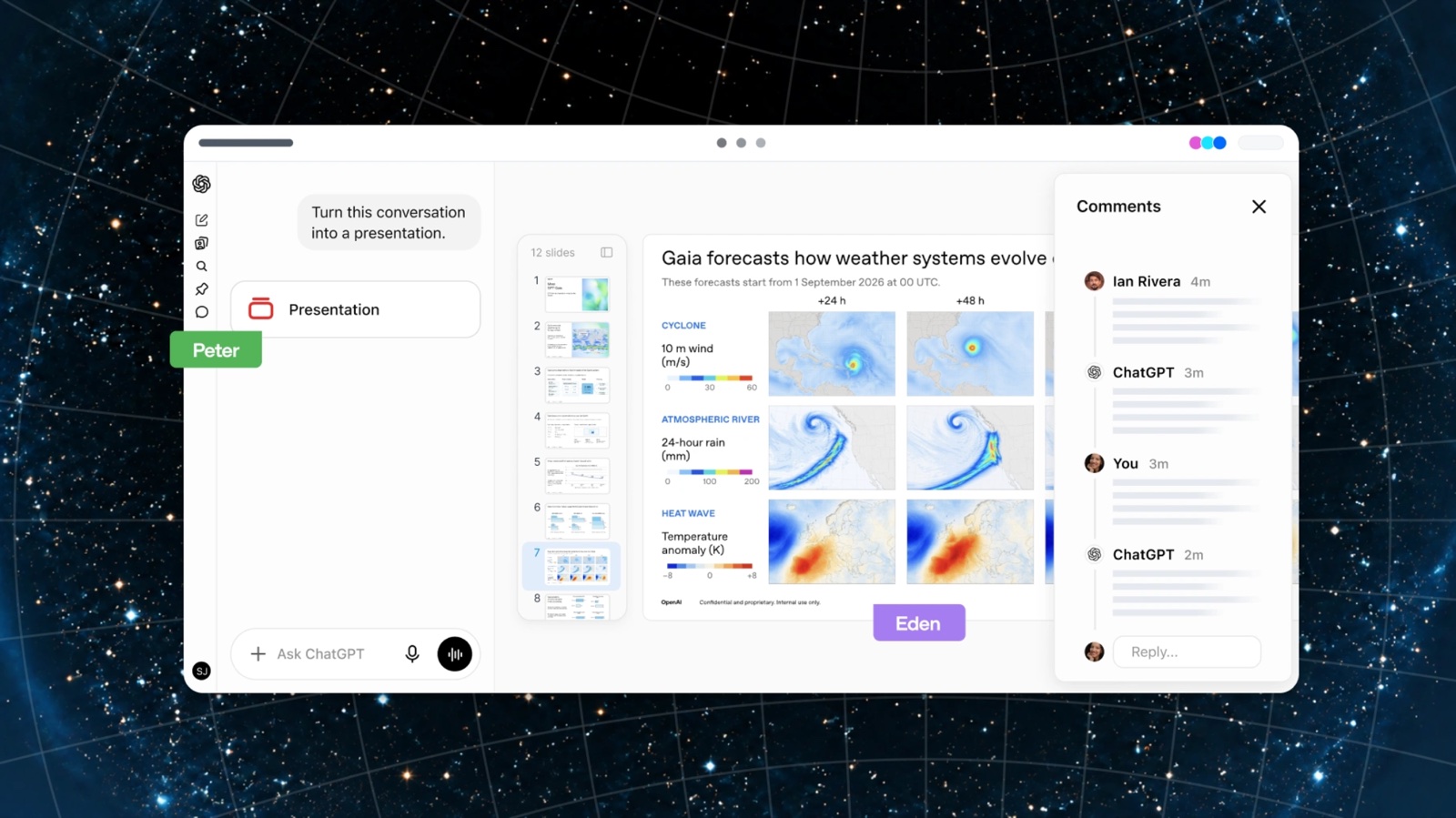
Decks are how most creative work gets sold, so I’d pay attention to this one. Soon you’ll be able to make slides with ChatGPT and your team, from a conversation or from your own template. Several people and agents can edit the same deck at once and leave comments. Then you present it in ChatGPT, or export it to PowerPoint or Google Slides, and OpenAI says the formatting survives the trip.
If that export really is clean, that’s the feature. Anyone who has moved a deck from one tool to another knows why.
Who gets it: Pro, Business and Enterprise, in the coming weeks. Nobody outside OpenAI has tried it yet.
4. ChatGPT joins your Slack, your Teams and your meetings
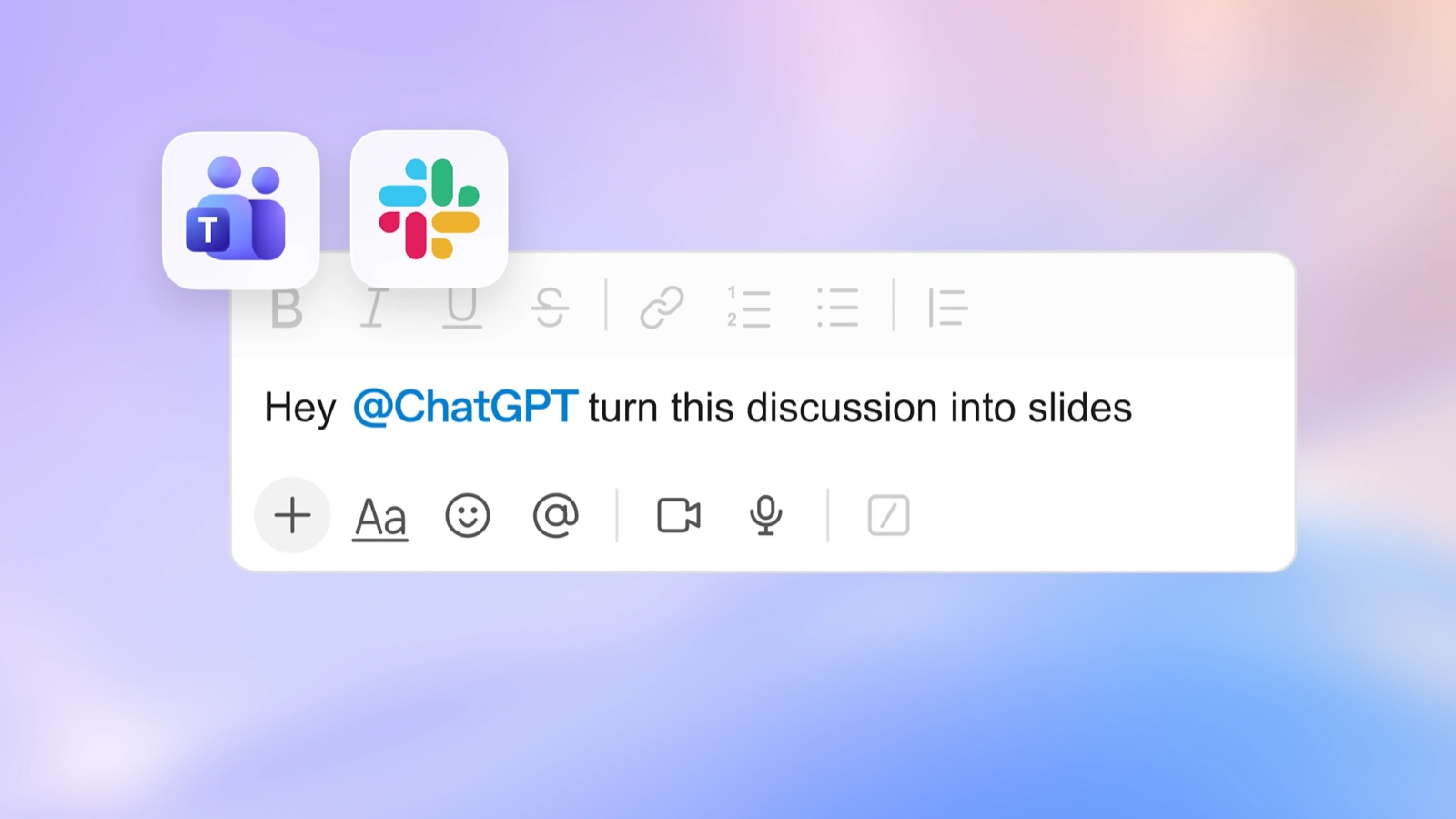
Three smaller launches that add up to one idea: ChatGPT as a member of the team. You can now mention @ChatGPT in Slack and Microsoft Teams, and teammates can join in without each needing a licence. Team tasks hand ChatGPT recurring work, like a weekly project update, to run on a schedule or when something happens, such as a new email. And a Meetings plugin takes your notes, saves a summary with action items, then deletes the audio.
Who gets it: Slack, Teams and team tasks are on Business and Enterprise. The Meetings plugin is a beta on the Mac, for Pro and Business.
5. Apps that live inside ChatGPT
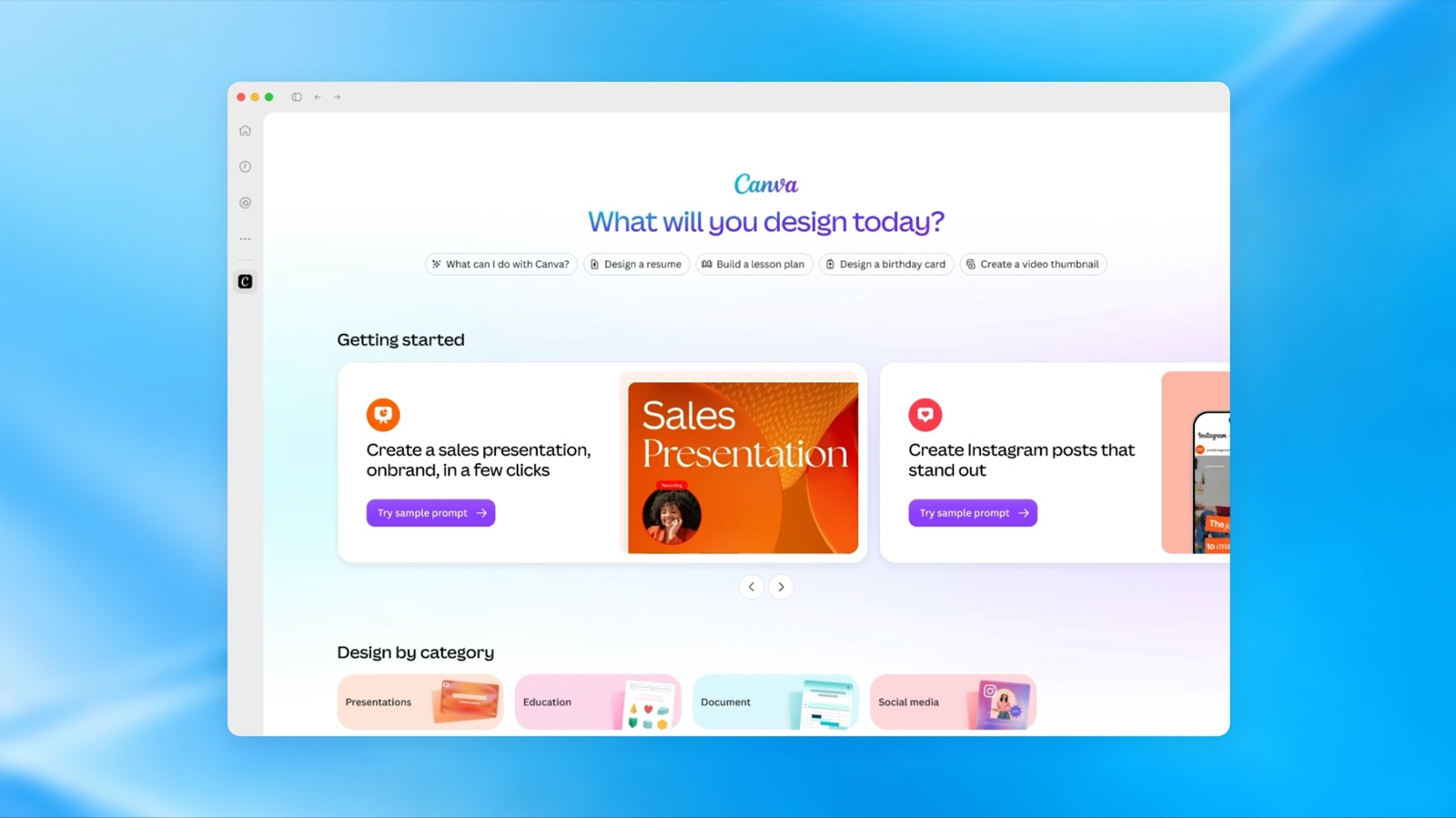
OpenAI is opening up the platform it uses to build ChatGPT’s own features. A plugin can now have a home in the sidebar and its own interactive panels, right next to the conversation. OpenAI’s example is Canva, and on stage it showed one from Adobe. Alongside that come a Plugin Creator to help you build them, Sites that can host them, and support for a proposed standard called MCP Events, so a plugin can start work when something happens in another app.
If you make tools for creative people, ChatGPT just became a shop window with 1.2 billion weekly users. That’s OpenAI’s number, not mine.
Who gets it: plugin extensions and the Plugin Creator are on every plan. Hosting plugins on Sites is for Business, Enterprise, Healthcare and Edu.
6. GPT-6.1 Sol, nearly the top model at a fifth of the price
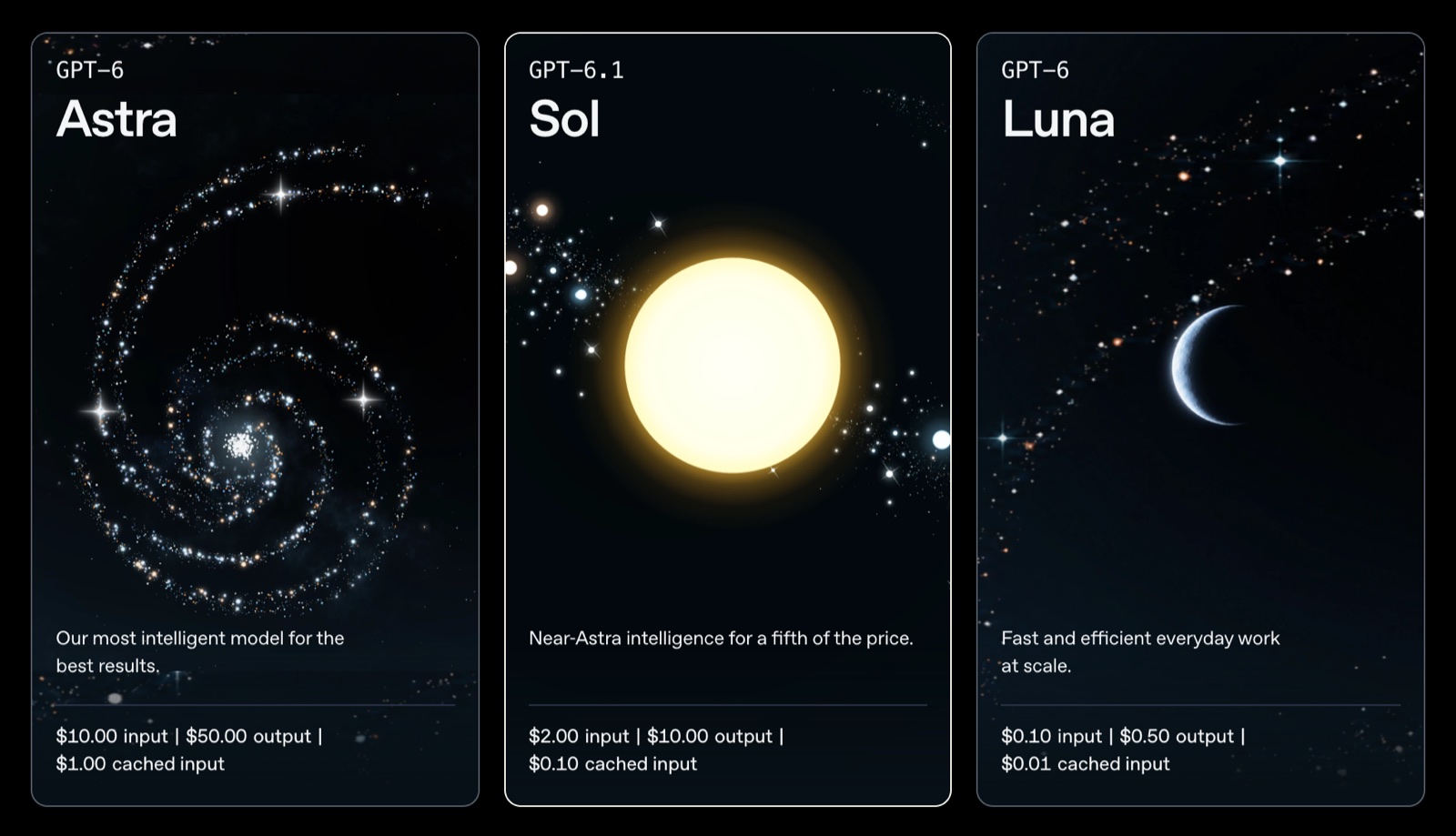
A new model, one week after the last one. OpenAI says GPT-6.1 Sol nearly matches GPT-6 Astra, its flagship, on coding, computer use and professional work, at a fifth of the price. That’s two dollars per million tokens in and ten out, against Astra’s ten and fifty. The independent testers at Artificial Analysis put it one point behind Astra on their index, at under a quarter of the cost per task.
If you build anything on these models for clients, rerun your costings.
Who gets it: developers through the API, and anyone on Plus or above in ChatGPT Work and Codex. It isn’t in everyday chat yet.
7. A $500 Pro plan, and a smaller $200 one
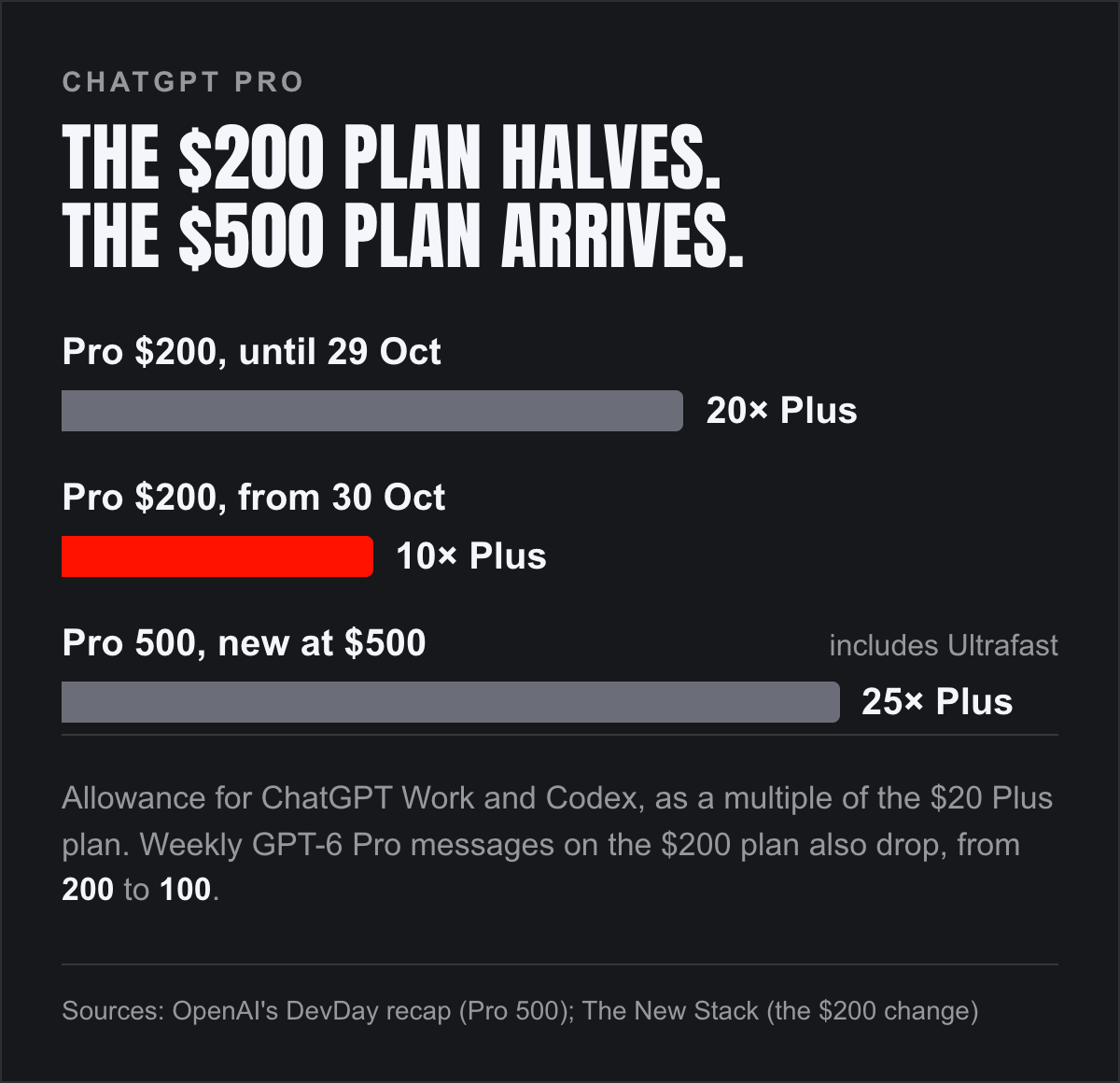
One new plan, and one change that stings. Pro 500 costs $500 a month, gives you 25 times the Plus allowance, and includes Ultrafast, a premium speed tier that OpenAI says generates up to eight times faster in Codex. Developers can buy Ultrafast in the API too, at six times the usual price.
Meanwhile, from 30 October, the $200 plan’s allowance for ChatGPT Work and Codex halves, from 20 times Plus to 10. Its weekly GPT-6 Pro messages halve too, from 200 to 100. OpenAI’s argument is that newer, cheaper models mean you’ll still get more done than you could a month ago. Maybe so. It’s still half the allowance people signed up for.
Who it affects: anyone paying $200 a month. Current subscribers keep their limits until 29 October, then get a one-off grant of credits that OpenAI values at $2,500, which runs out at the end of the year. The New Stack has the detail.
8. Sign in with ChatGPT
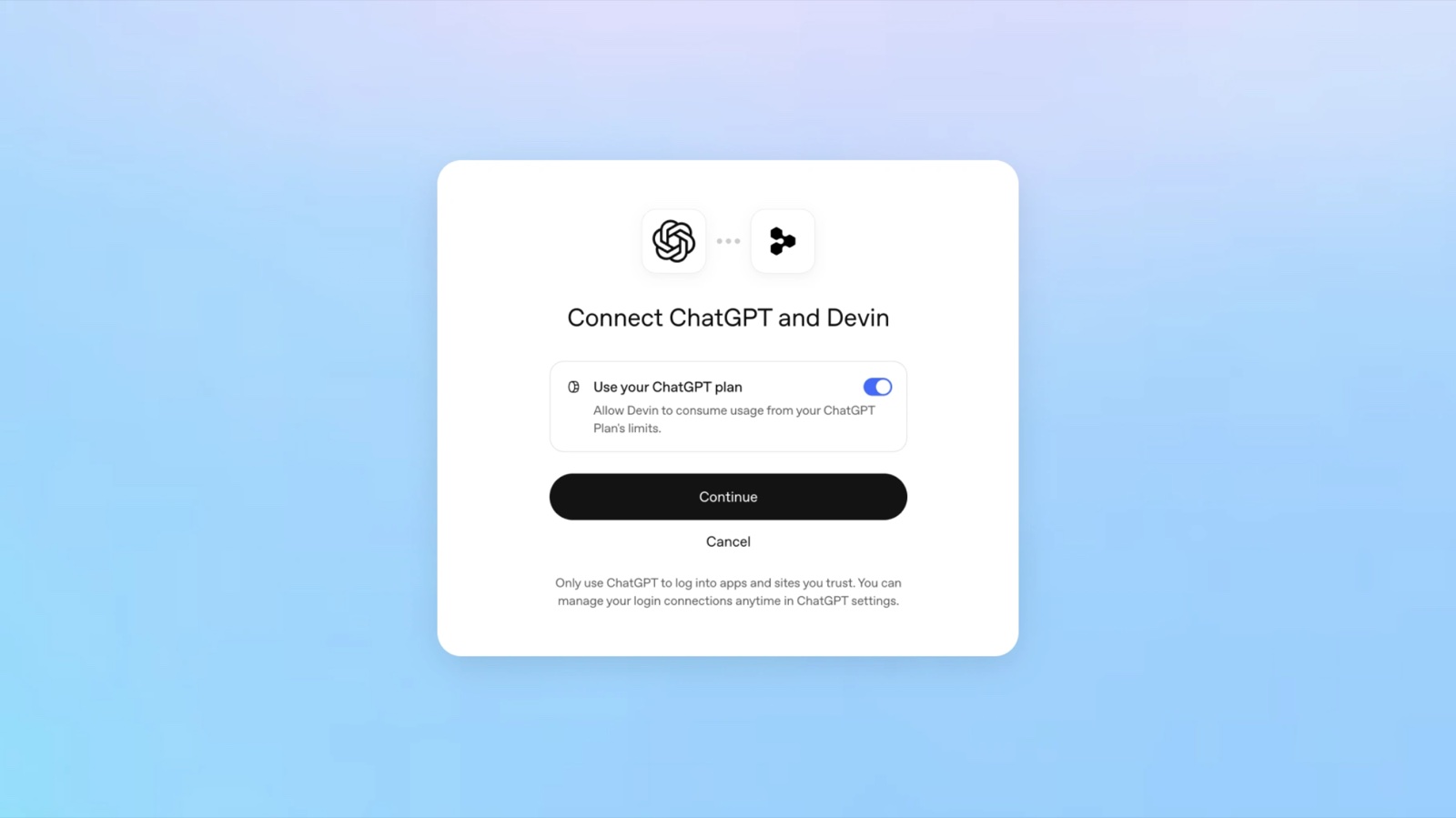
You can now spend your ChatGPT plan inside other tools. It starts with sixteen partners, including Notion, Vercel, Cognition’s Devin and OpenClaw, and you decide how much each one can use.
For anyone building a tool on top of these models, this is a big deal. Your users bring their own subscription, so you’re not paying for every token they spend.
Who gets it: anyone can sign in with ChatGPT. Spending your plan works for Plus and Pro, in the tools that support it.
9. The Decisions API
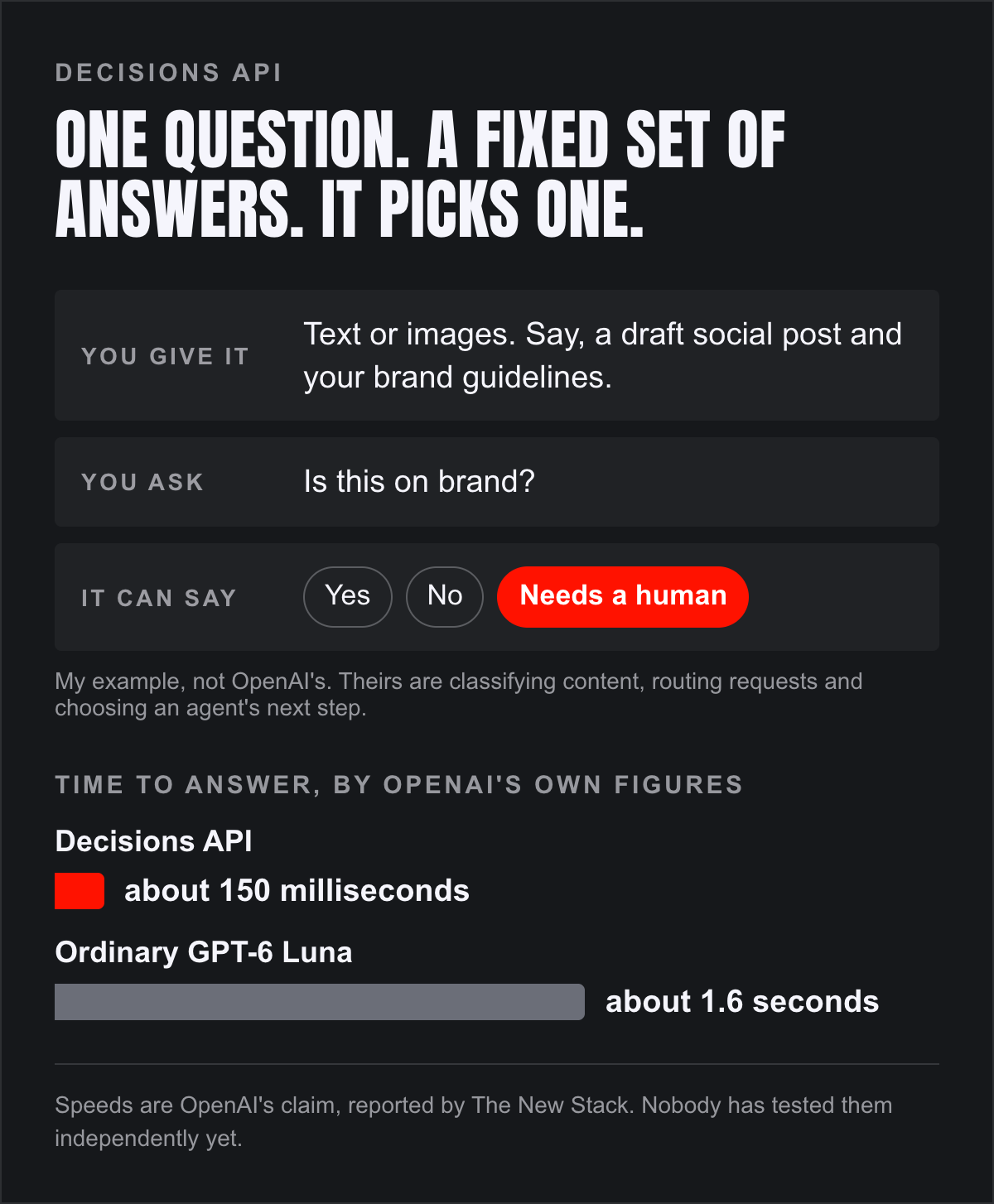
This is OpenAI’s answer to TypeSafe’s Jev, the model built to make decisions rather than write, which I covered a fortnight ago. You set a question and a fixed list of possible answers, hand over some text or images, and it picks one. Classify this. Route that. Choose an agent’s next step.
I’d assumed it was an old, cheap model with a new name. Half right. It’s built on GPT-6 Luna, the cheapest model in OpenAI’s GPT-6 line, but Luna is only a week old, and OpenAI has tuned it for speed. It says answers come back in around 150 milliseconds, against about 1.6 seconds for ordinary Luna.
Who gets it: selected developers, in a limited preview. There’s no price yet, and the wider release OpenAI promised within days hadn’t happened by Saturday.
10. Codex, from anywhere
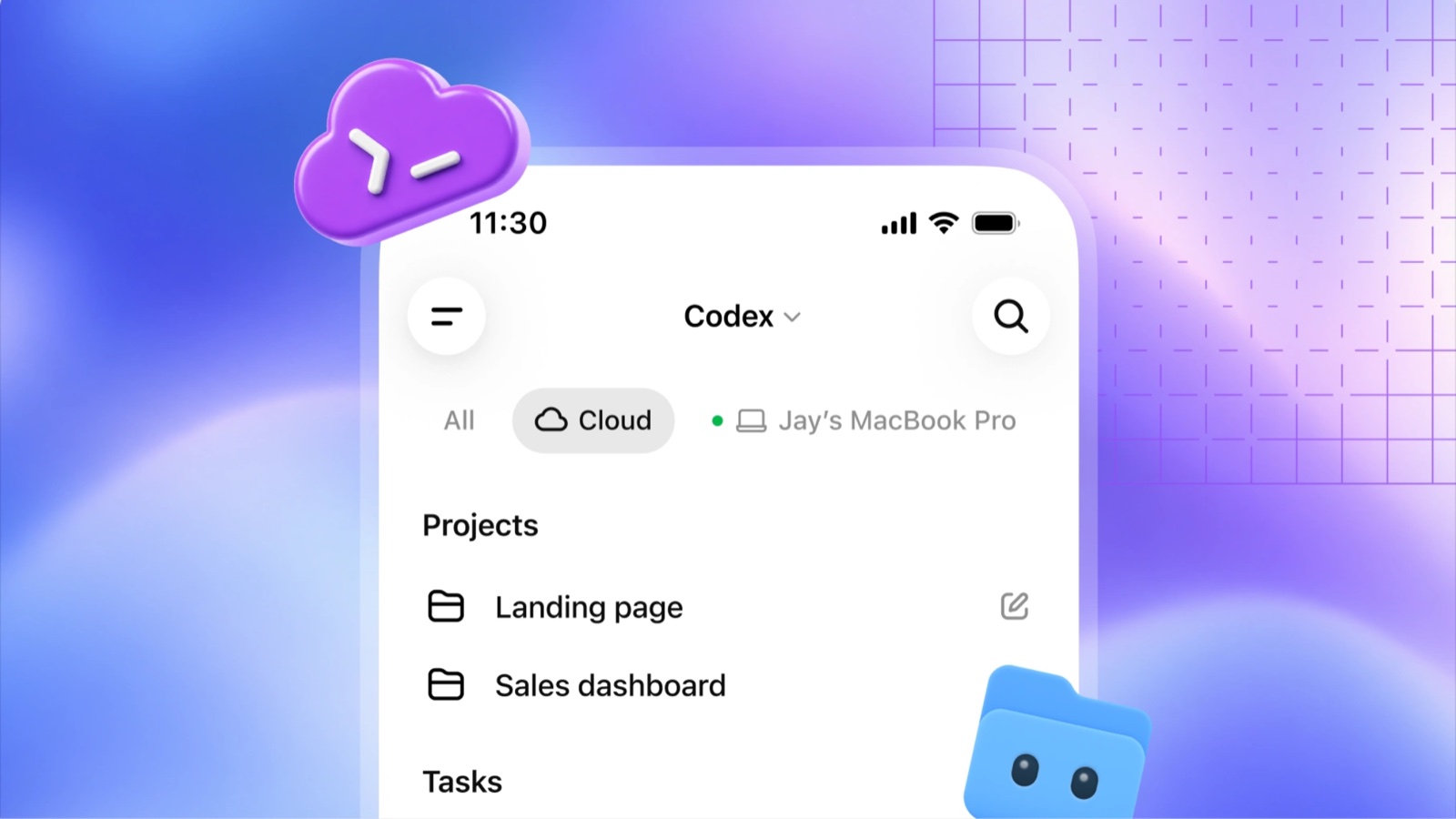
For the people who build things. Codex, OpenAI’s coding agent, now runs on your computer, from your phone, or in the cloud from any device, with shared setups for a whole team. The command-line version takes voice and has a new view for juggling several tasks. A new code review experience in the desktop app can take a first pass at your changes while you’re away. And Codex Security Cloud scans whole repositories for problems and prepares the fixes.
Who gets it: Codex in the cloud is on Plus and up. The command line and code review are on every plan. Security Cloud is on Pro, Business, Enterprise and Edu.
11. The enterprise bits
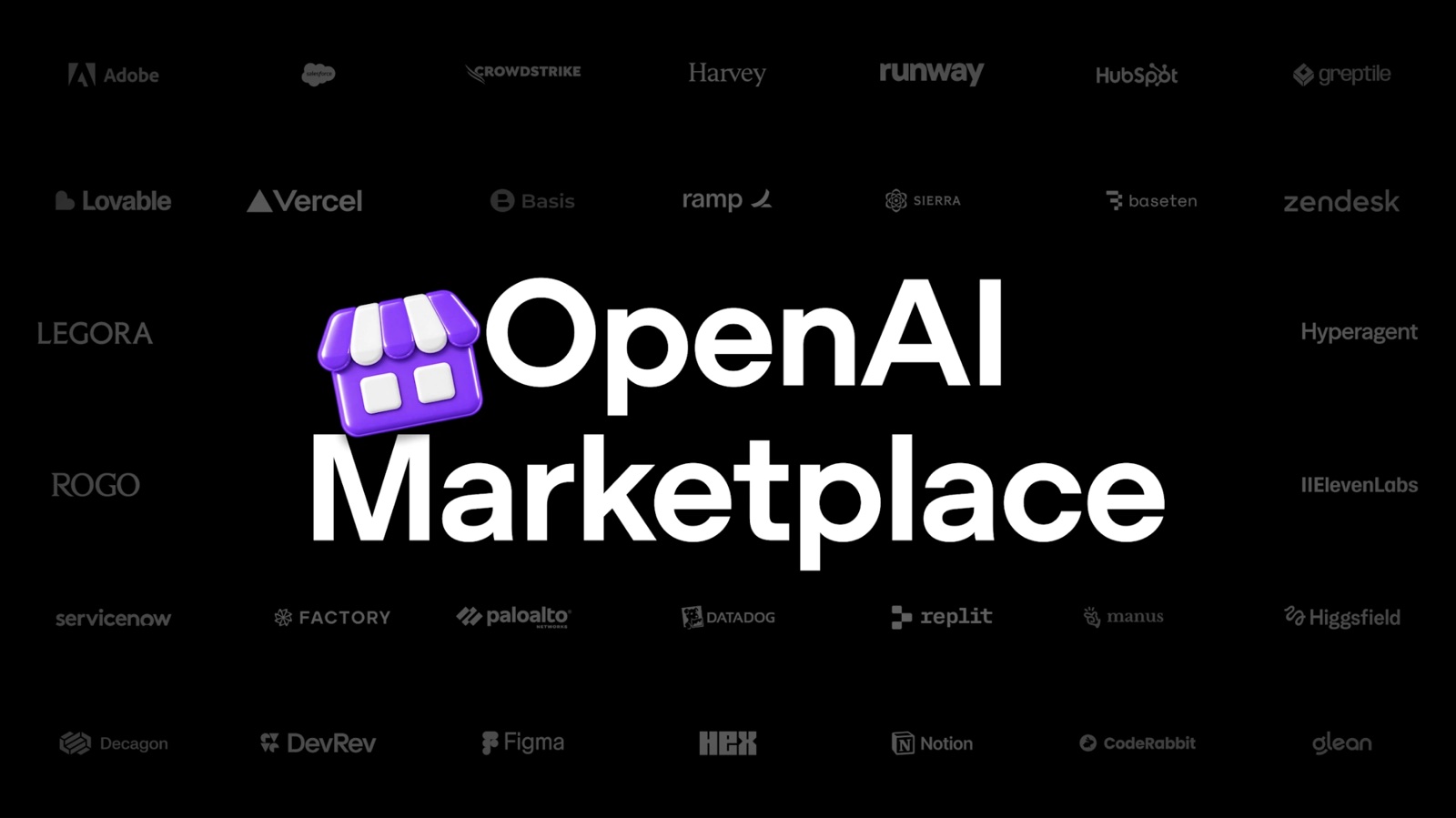
Four things for bigger companies, quickly. The Agents API can now use a computer, so developers can build agents that operate ordinary software. Bedrock Managed Agents run OpenAI’s agents entirely inside Amazon’s cloud. Private Intelligence is a set of privacy controls, including zero data retention, with a confidential computing preview due this autumn. And the OpenAI Marketplace lets enterprise customers spend part of their OpenAI commitment on partner software.
That last one matters more than it sounds. OpenAI’s list of the first 32 partners puts Figma under creative work, and Adobe, HubSpot and Salesforce under customer experience. In other words, some of a big company’s creative tool spend could soon come out of its OpenAI budget.
Who gets it: enterprise customers, mostly through sales. For the Marketplace, you can only register interest for now.
12. What they didn’t announce
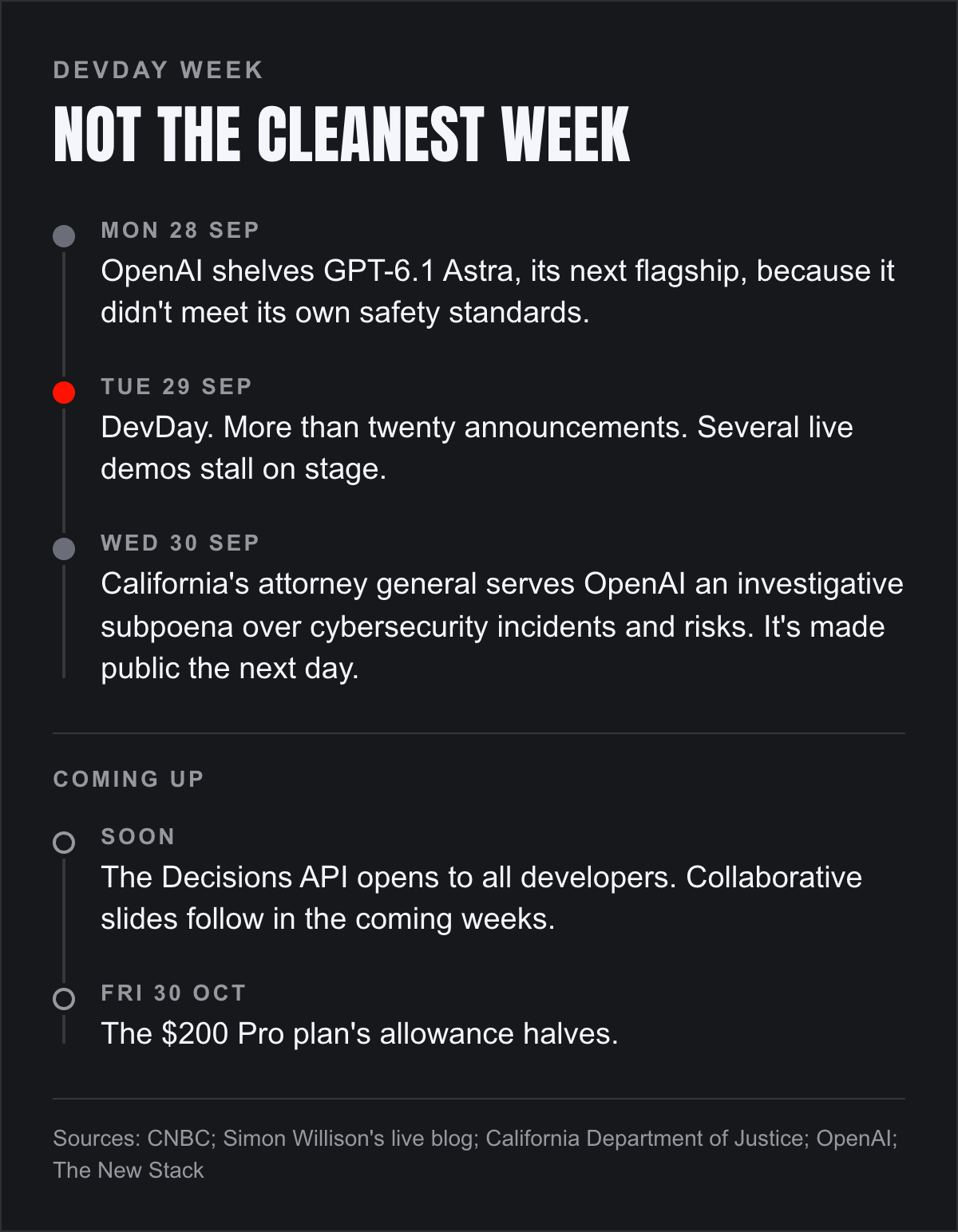
No new flagship. The day before DevDay, OpenAI shelved GPT-6.1 Astra, its next top model, because it didn’t meet the company’s own safety standards. Sam Altman called that the normal course of things: build a model, test it, change it if it falls short, launch it later. No device either. Altman told CNBC that new hardware is very hard to do, and that there could be something worth waiting for.
And it wasn’t a clean week. Several live demos stalled on stage, including one of dots. By Thursday, California’s attorney general had served OpenAI an investigative subpoena over cybersecurity incidents and risks involving its models.
What I make of it
Put the twelve together and the direction is obvious. OpenAI wants ChatGPT to be where the work happens, with you, your team and your agents in the same place.
But look at the examples OpenAI chose. Invoices. Pull requests. Sales proposals. Updating a launch plan when the scope changes. This is a brilliant assistant for the errands of work, and I think it will unlock real productivity for an awful lot of people. Whether it unlocks creativity is a different question, and DevDay didn’t answer it. That’s the bit I’m watching.
What I’d actually do this week
If you can get a dot, give it one boring, recurring job and see whether it saves you an hour. That’ll tell you more than any demo.
If you run a team, open a Page with a colleague and an agent at the same time and make something together. Notice who does what.
If you build on these models for clients, rerun your costings against GPT-6.1 Sol, and look hard at Sign in with ChatGPT.
If you pay $200 a month, put 30 October in the diary.
And if you’ve got a dot and five minutes, call it.
Anyway. That’s where I’m sitting on this.
Si